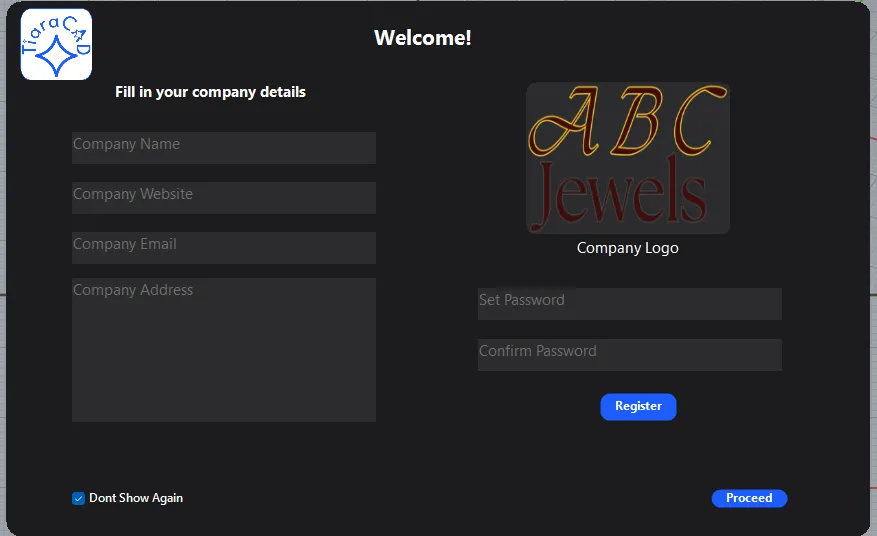
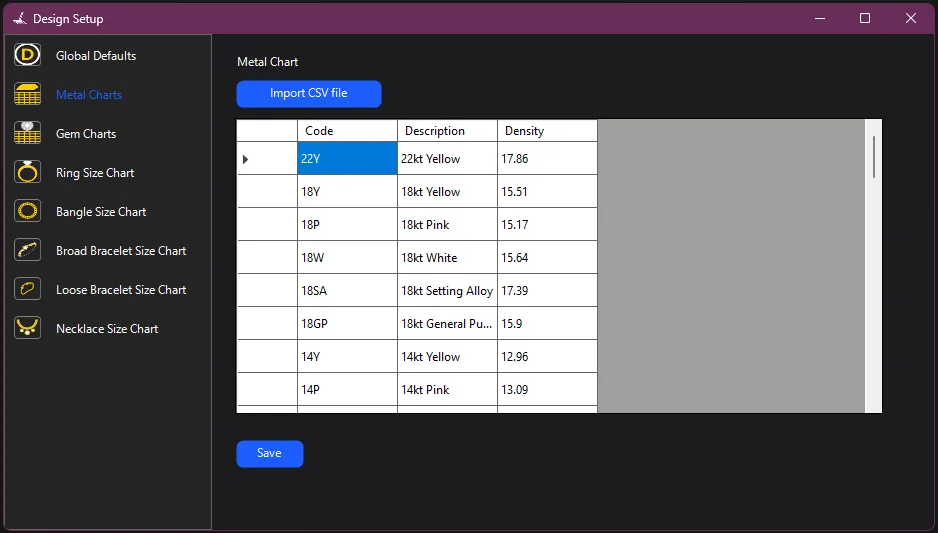
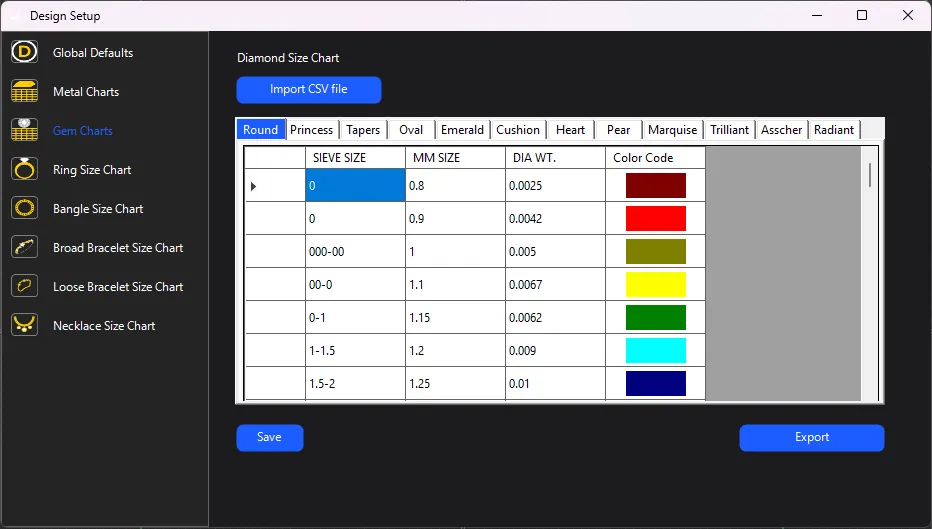
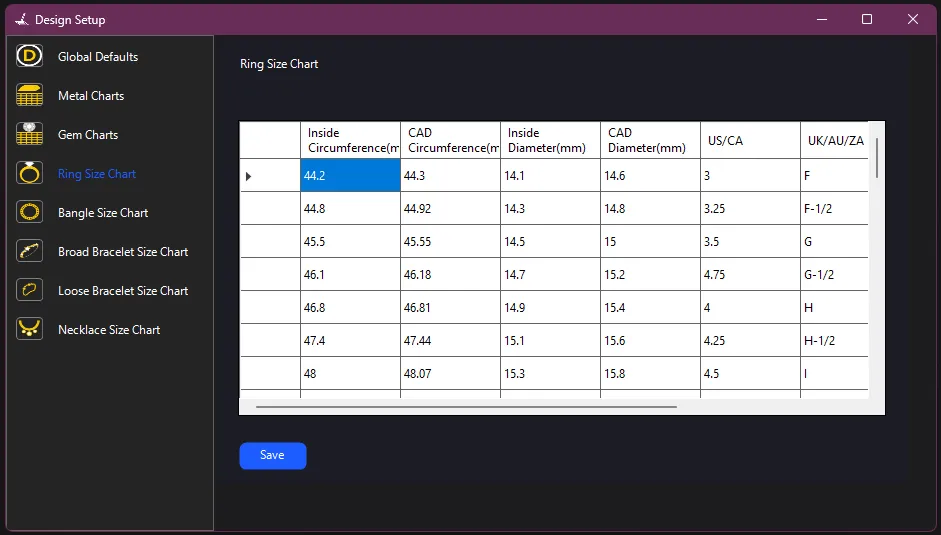
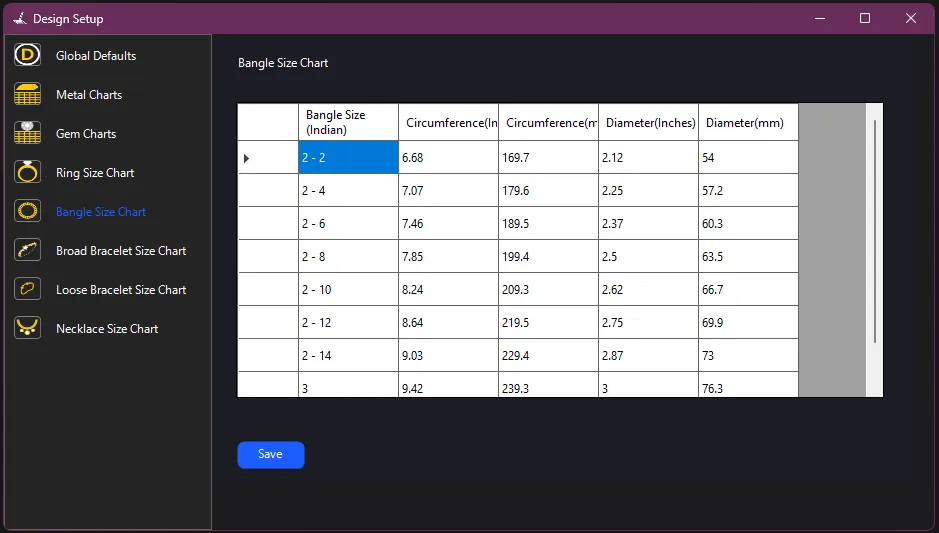
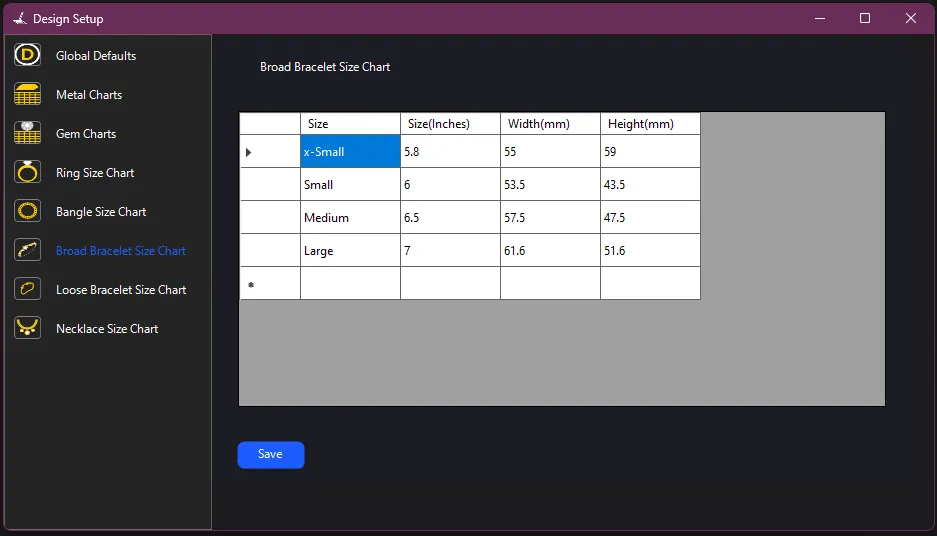
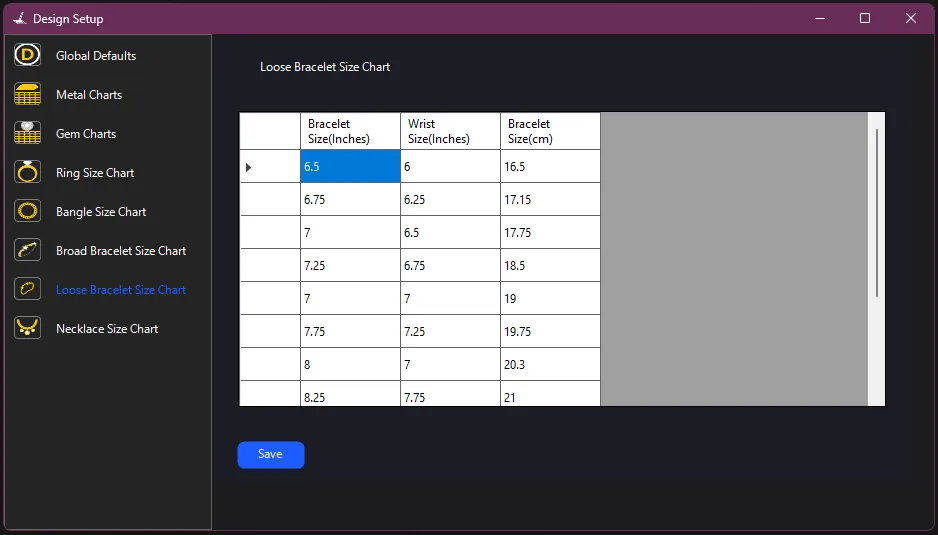
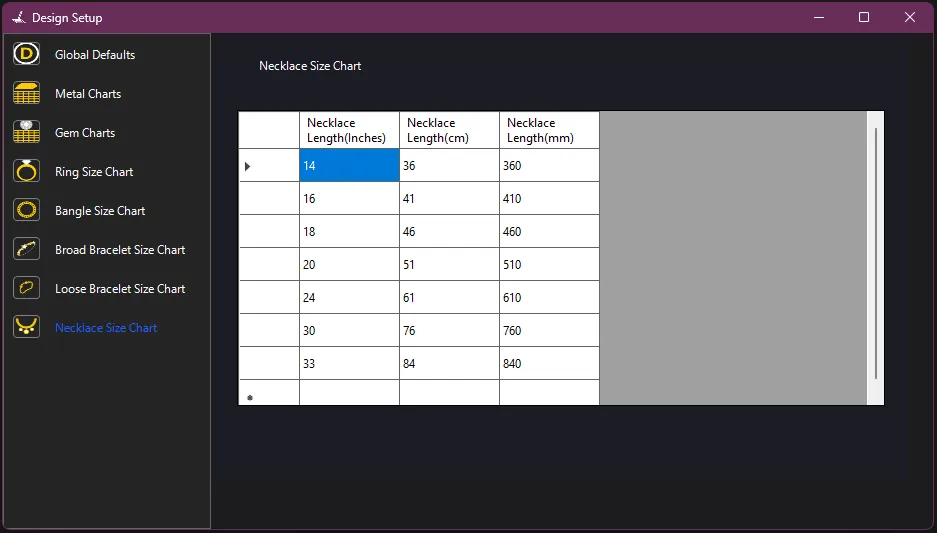
From Company details to every other setting, design setup allows you to customize TiaraCAD and gives you a stronghold over the software. In order to customize charts you can either click and edit the existing value or import your own csv file in that format. TiaraCAD will then pick up those values.