Eternity Band in TiaraCAD

Eternity Band

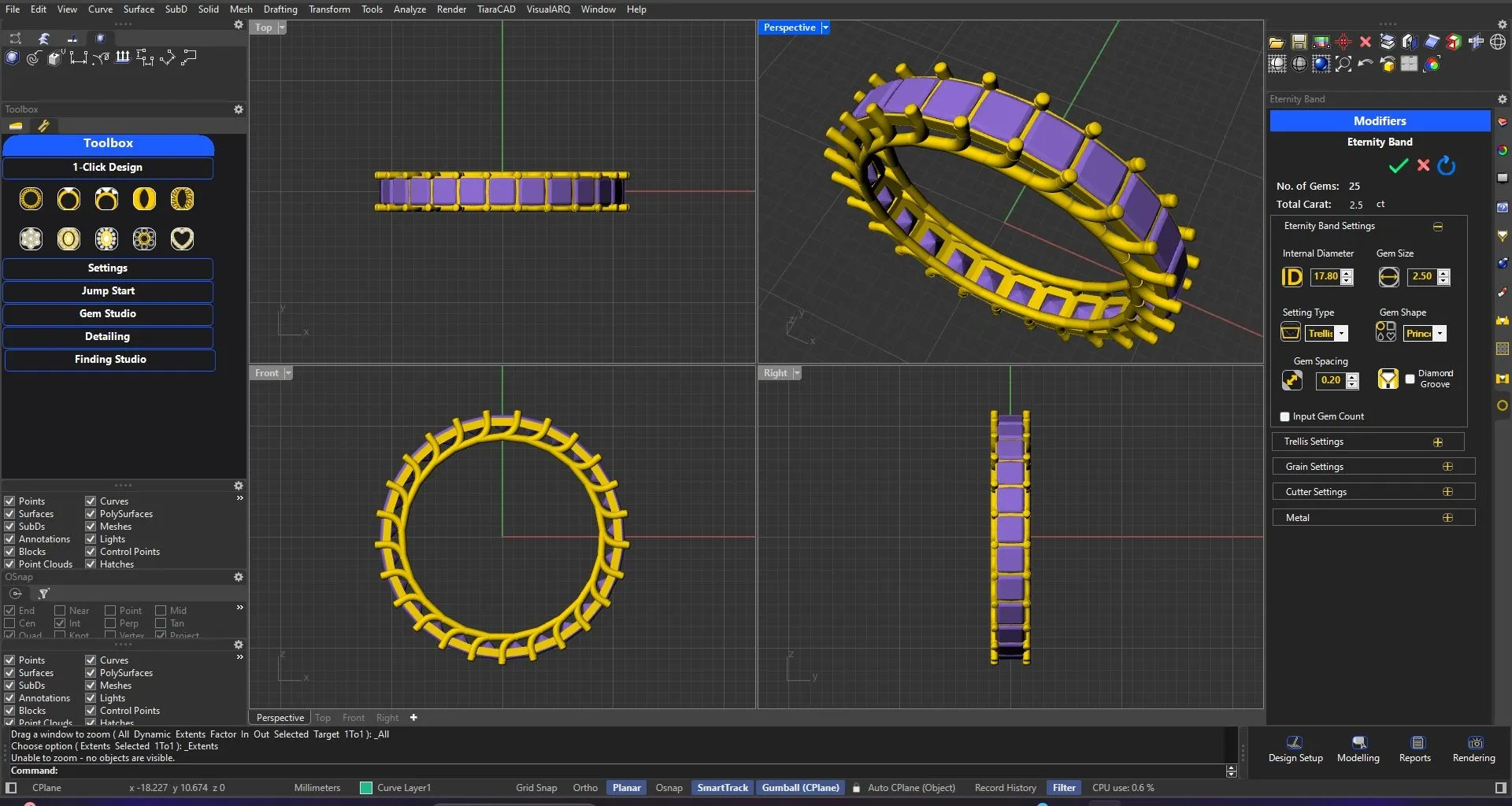
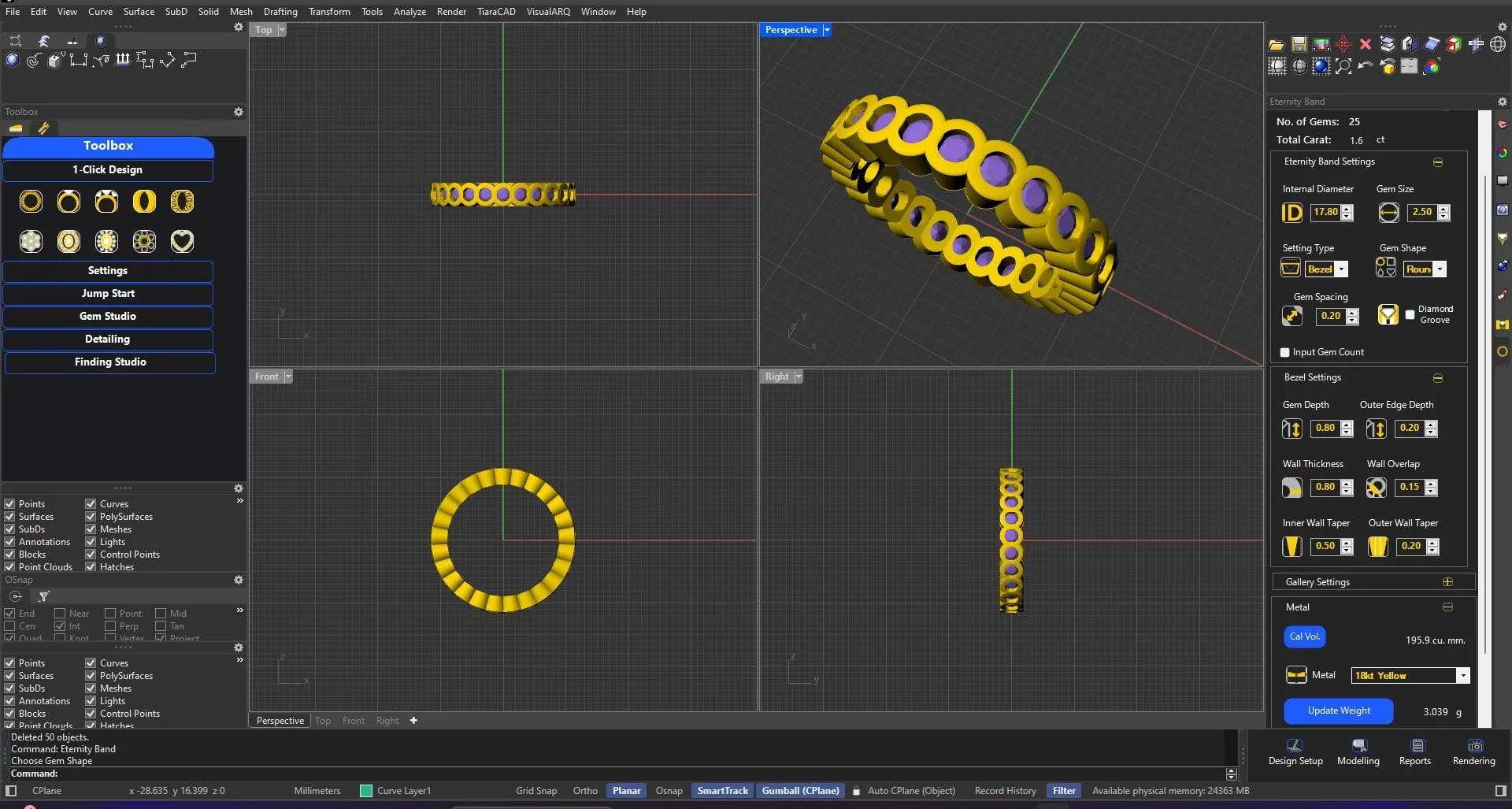
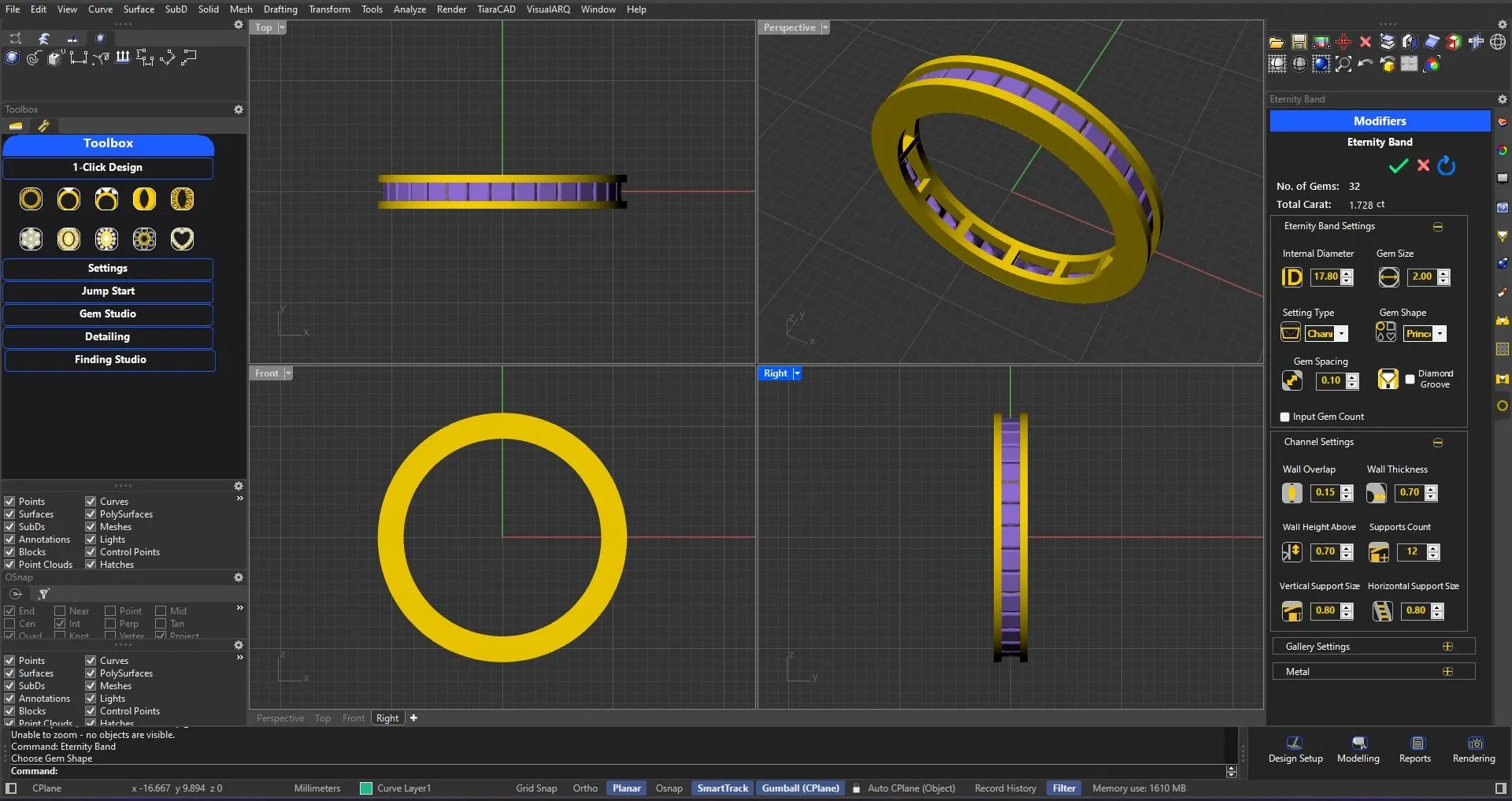
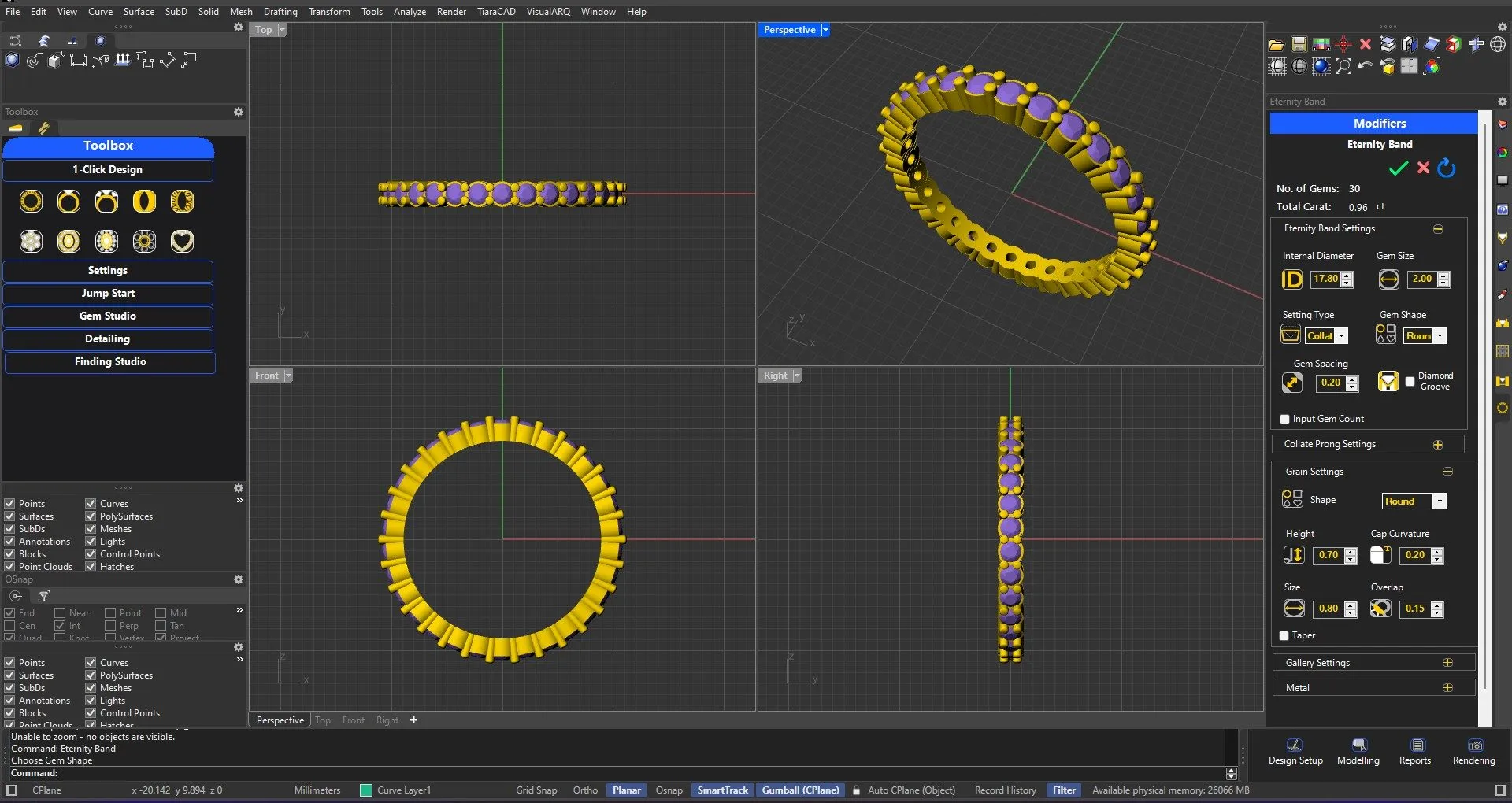
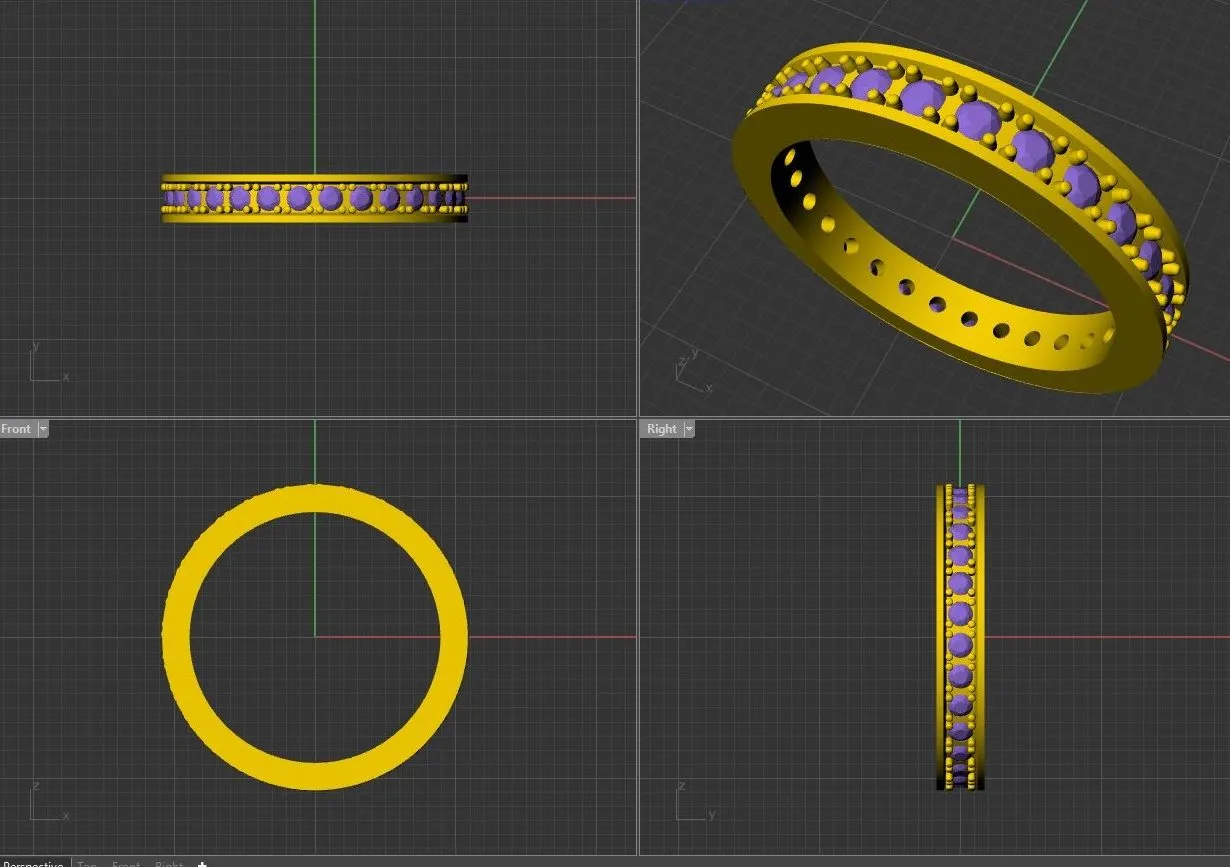
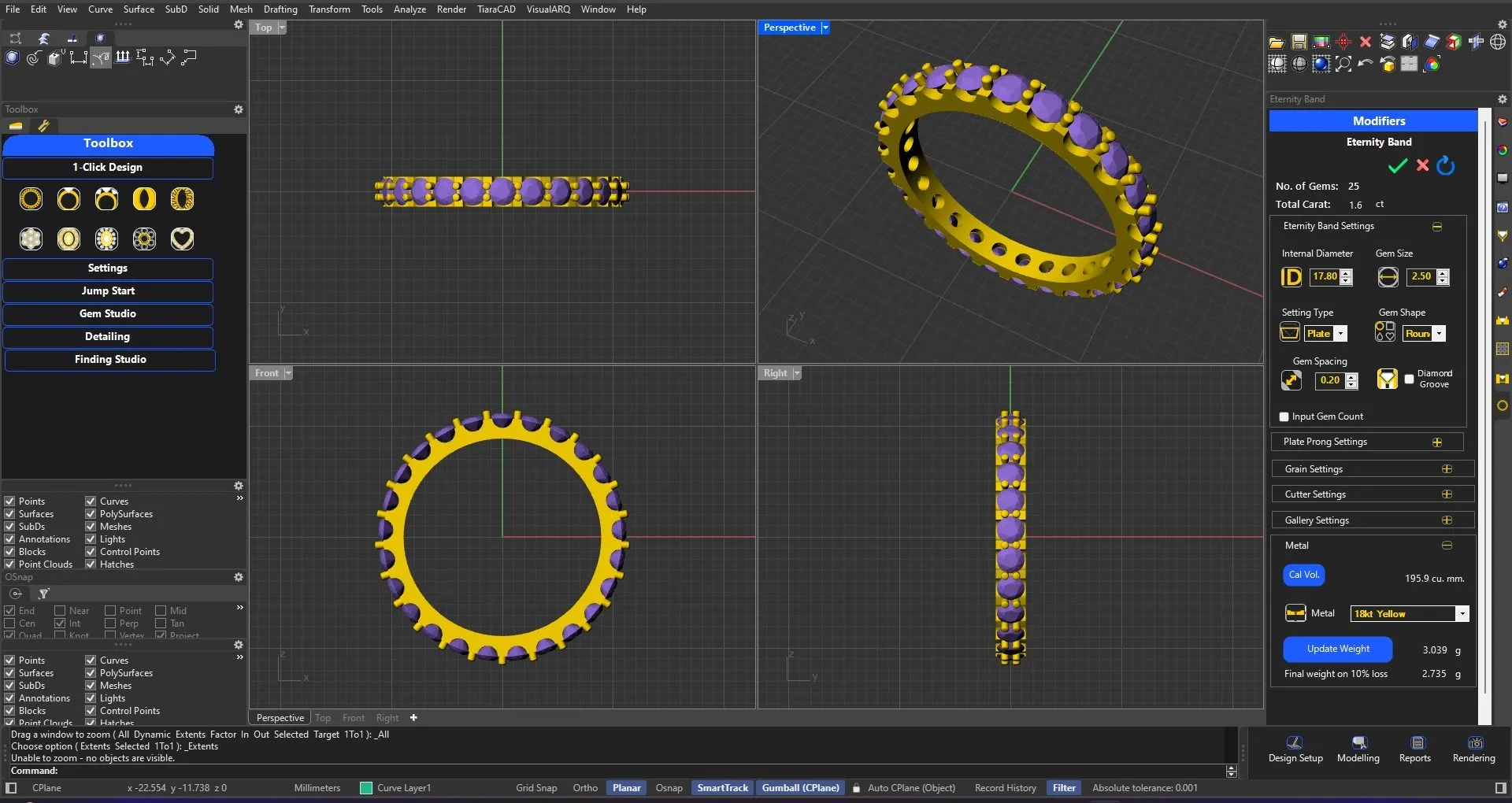
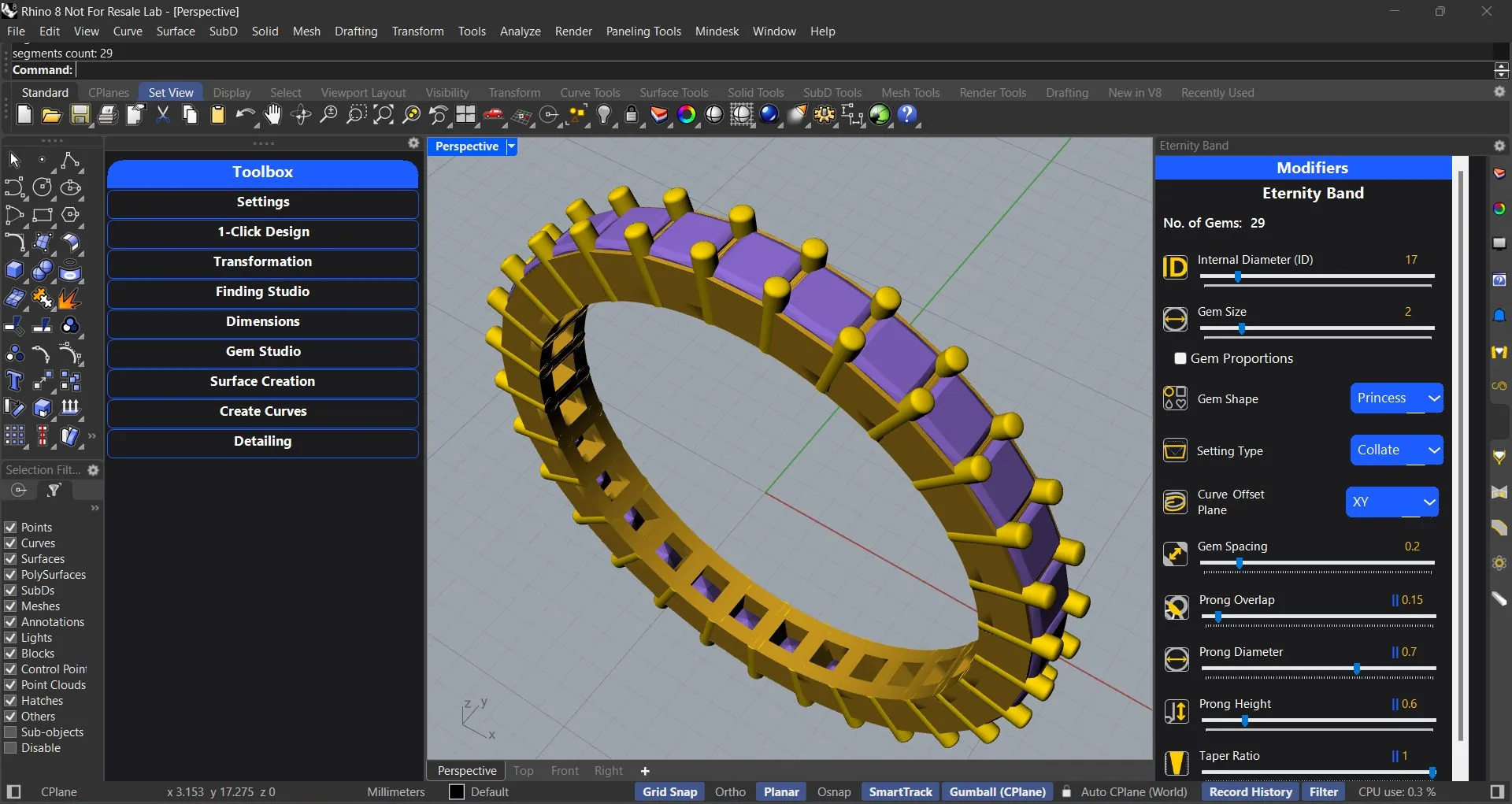
Enter the Ring size and Gem size only. Choose your setting style and the design is ready with total Carat Weight and Metal Volume. In just one tool, you can use channel, plate-prong, collate-prong, nick, pave, bezel and even trellis setting without compromising on the manufacturing details.

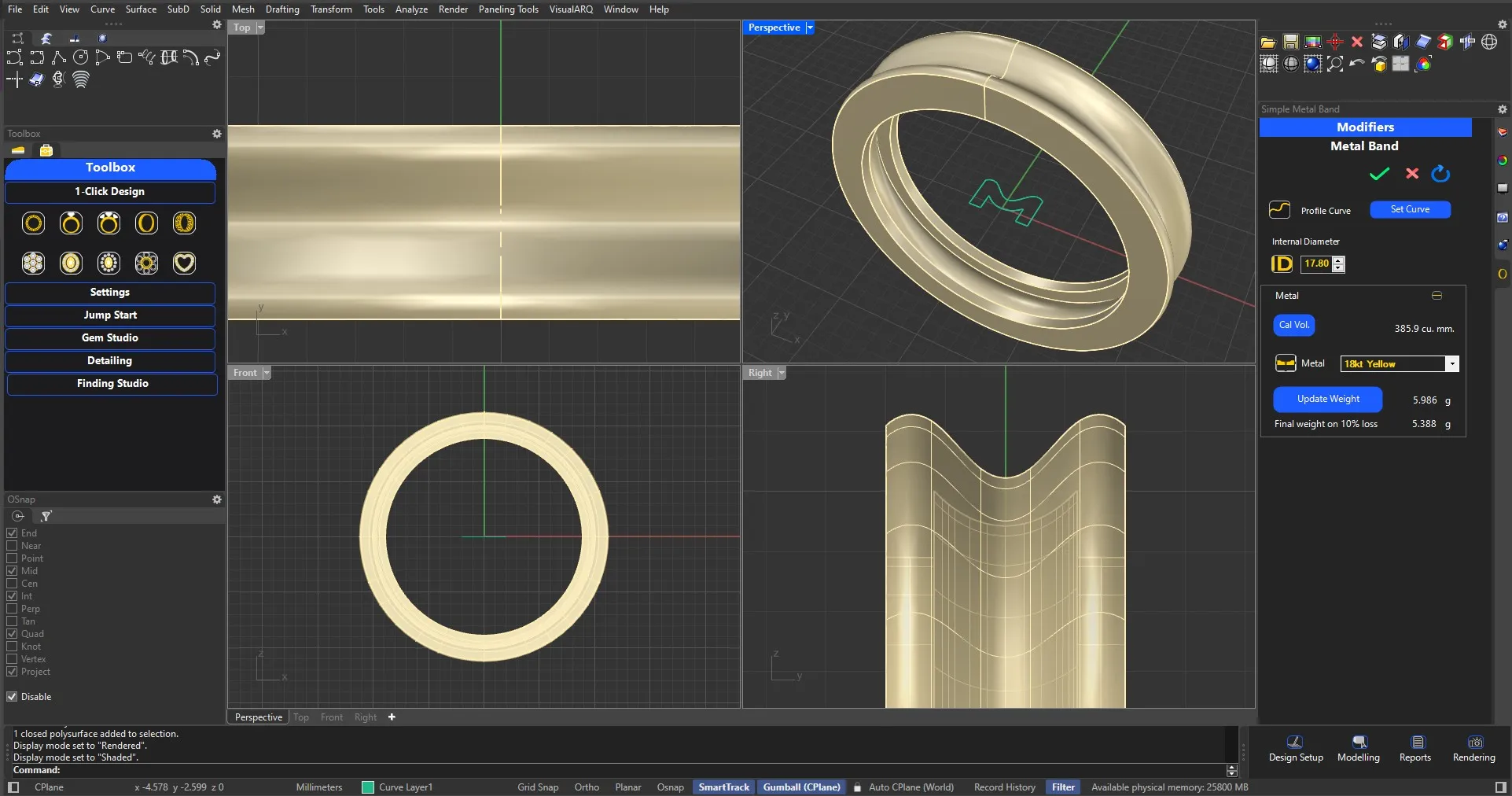
Metal Band

Simply add the desired ring size and the profile curve. Choose scooping if required. Design ready with metal volume for your perusal.

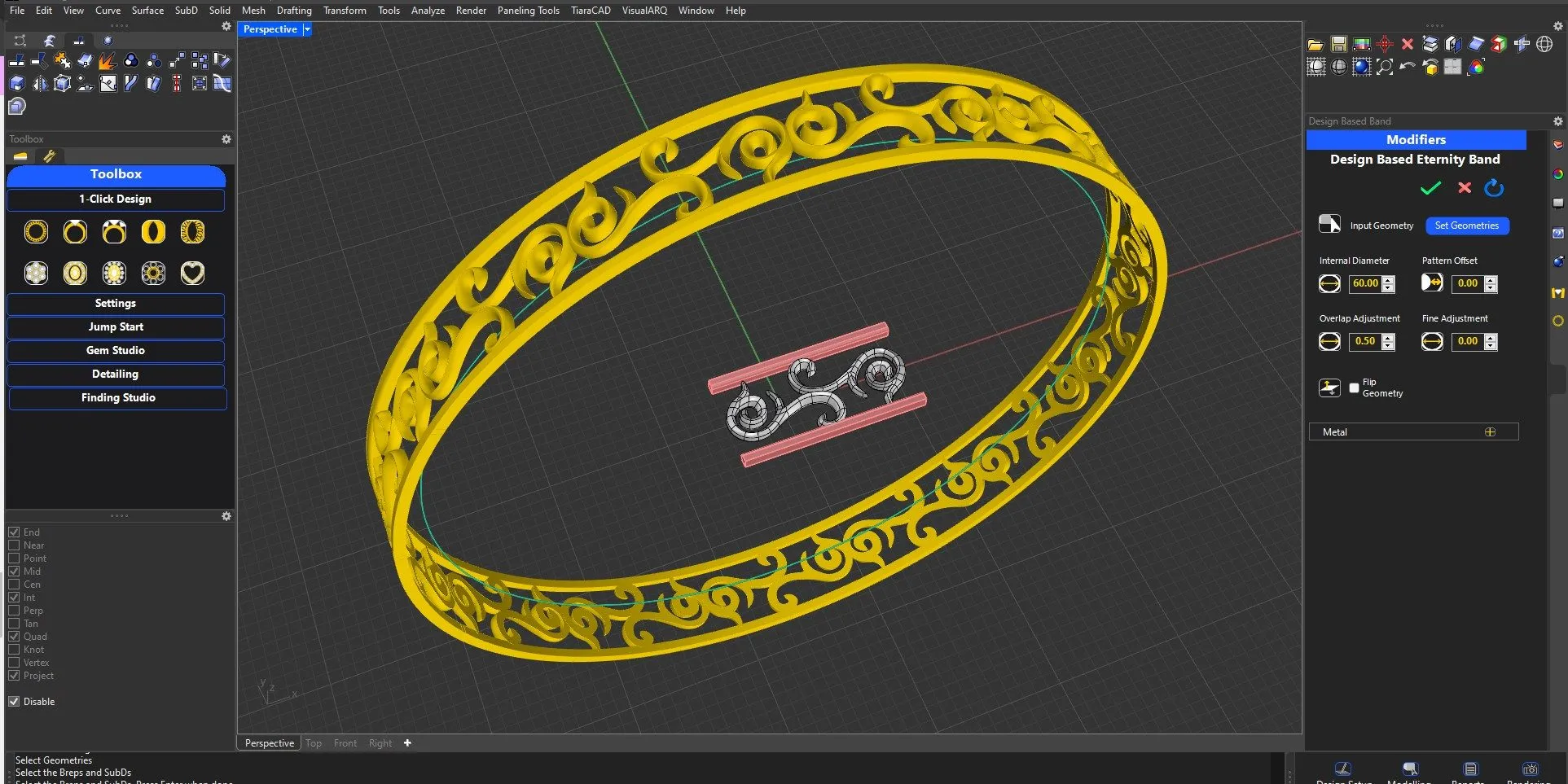
Design Bangles

Choose the design for repetition, identify the overlap area and choose the bangle size. Design will be placed over the bangle with additional height modifications as per your requirement.

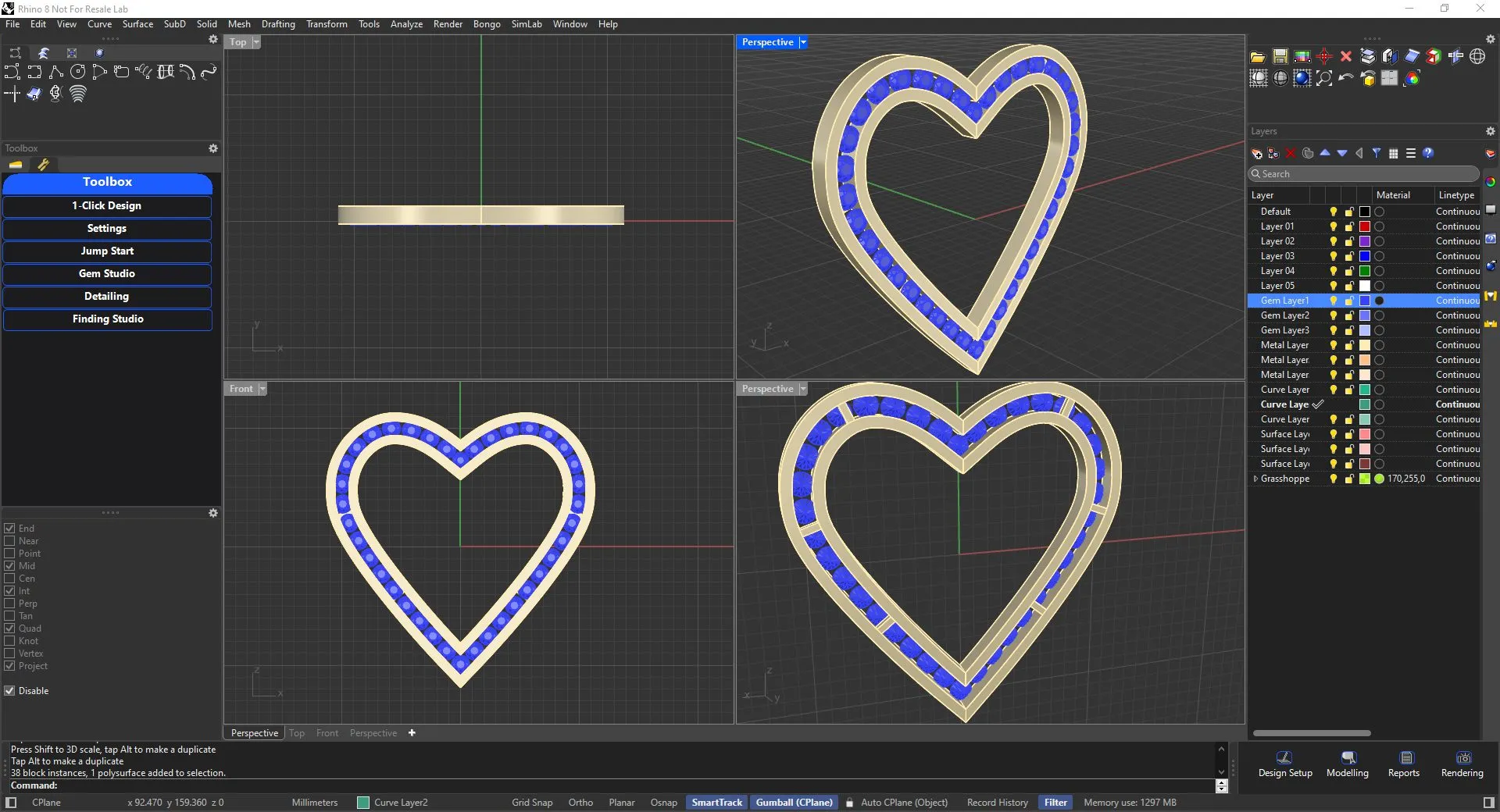
Heart Pendant

Choose gem size, overall heart size and setting for the gem. Optionally, add a gallery. Add a jump ring and loop from linkages to complete your design.

Choose the Gem stone size, it’s setting and the ring size with it’s profile to finish your Solitaire ring in a jiffy.

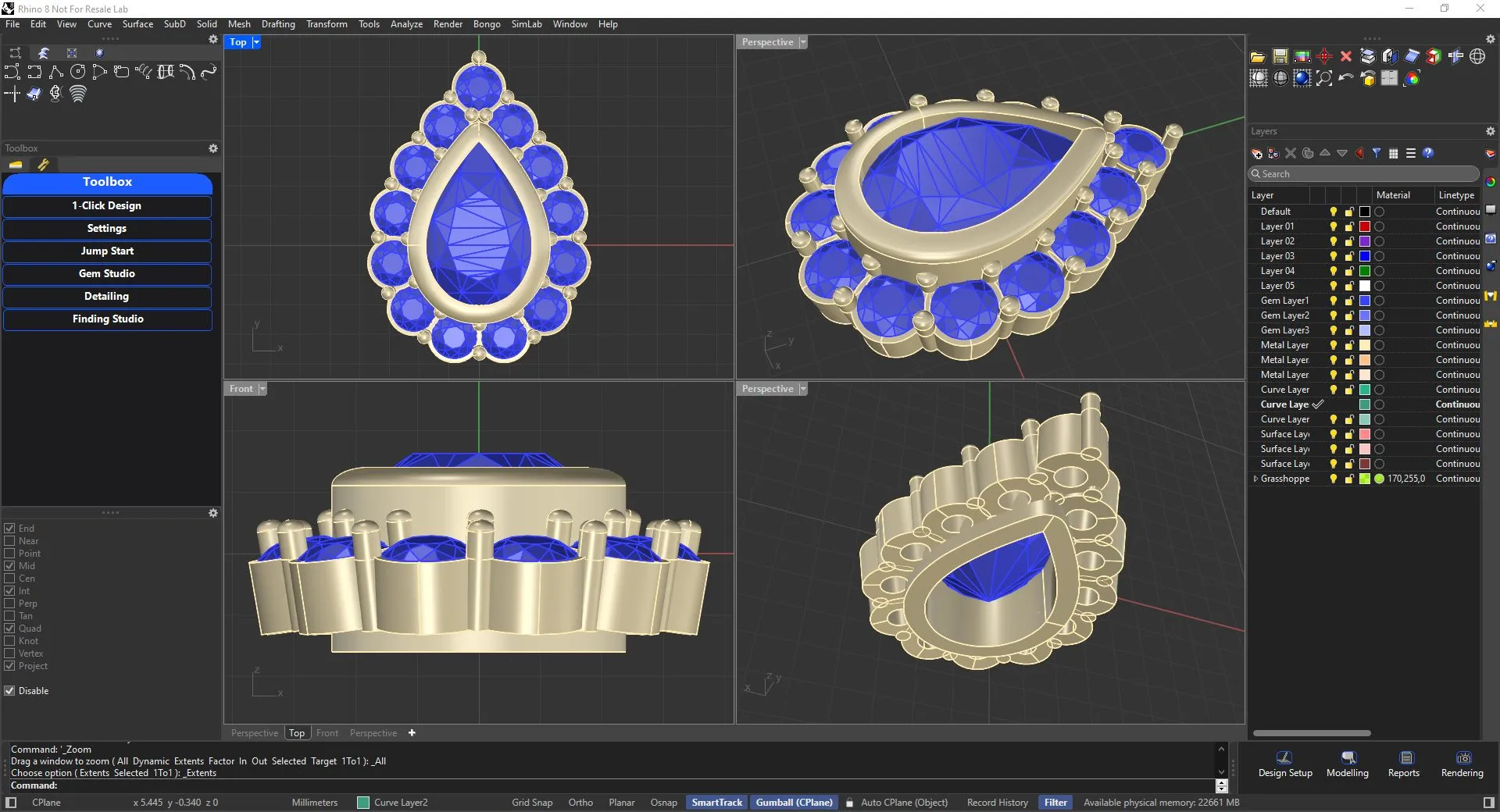
Halo Setting​

Choose center Stone shape and size and corresponding gems to have Halo setting readily designed for you.
Adjust the step heights or angles of gems to complete your design in a short time.

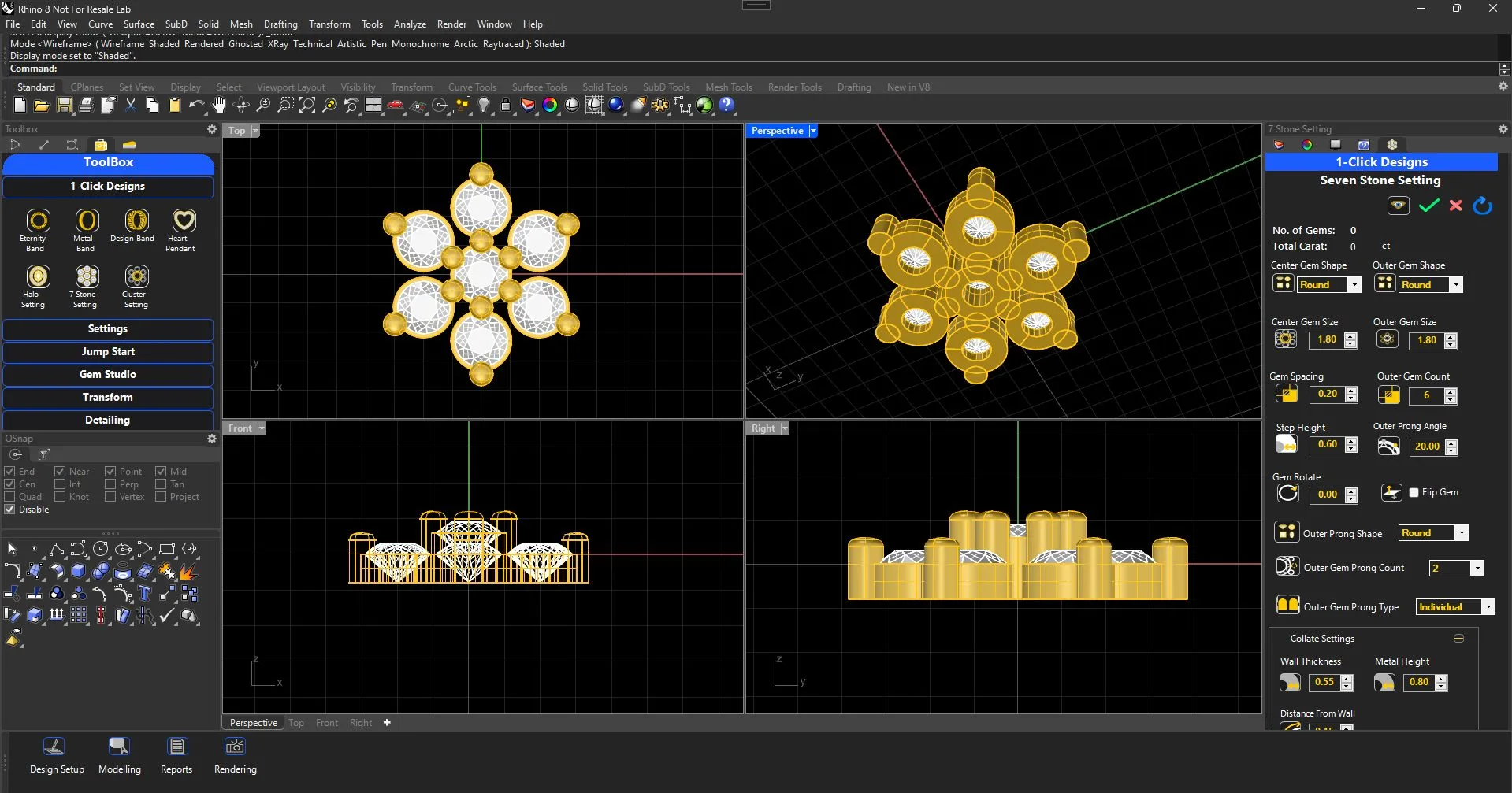
7 Stone Setting

Choose the Center Gem shape, setting along with outer gem shape and desired setting. Make easy adjustments as per need and your halo setting is done.

Metal Band

Simply add the desired ring size and the profile curve. Choose scooping if required. Design ready with metal volume for your perusal.

Design Bangles

Choose the design for repetition, identify the overlap area and choose the bangle size. Design will be placed over the bangle with additional height modifications as per your requirement.

Heart Pendant

Choose gem size, overall heart size and setting for the gem. Optionally, add a gallery. Add a jump ring and loop from linkages to complete your design.

Choose the Gem stone size, it’s setting and the ring size with it’s profile to finish your Solitaire ring in a jiffy.

Halo Setting​

Choose center Stone shape and size and corresponding gems to have Halo setting readily designed for you.
Adjust the step heights or angles of gems to complete your design in a short time.

7 Stone Setting

Choose the Center Gem shape, setting along with outer gem shape and desired setting. Make easy adjustments as per need and your halo setting is done.